Make plugins for your MPC creatively.
Start from your own idea, remix an open plugin, or press I’M FEELING LUCKY. Play the real plugin on your computer straight away, shape its sound and its screen until it is yours, then send it to your MPC. There is no code to write and no build tools to install.
DownloadRead the docs
For macOS, Windows and Linux.
- FreeFree and open source. There is nothing to buy.
- IndependentNot affiliated with Akai or inMusic.
- Your own AIAn account you already have, or a free model on your own computer.
- MPC OS 3.10.1Your MPC needs MPC OS 3.10.1 or later.
Step 1
Start anywhere
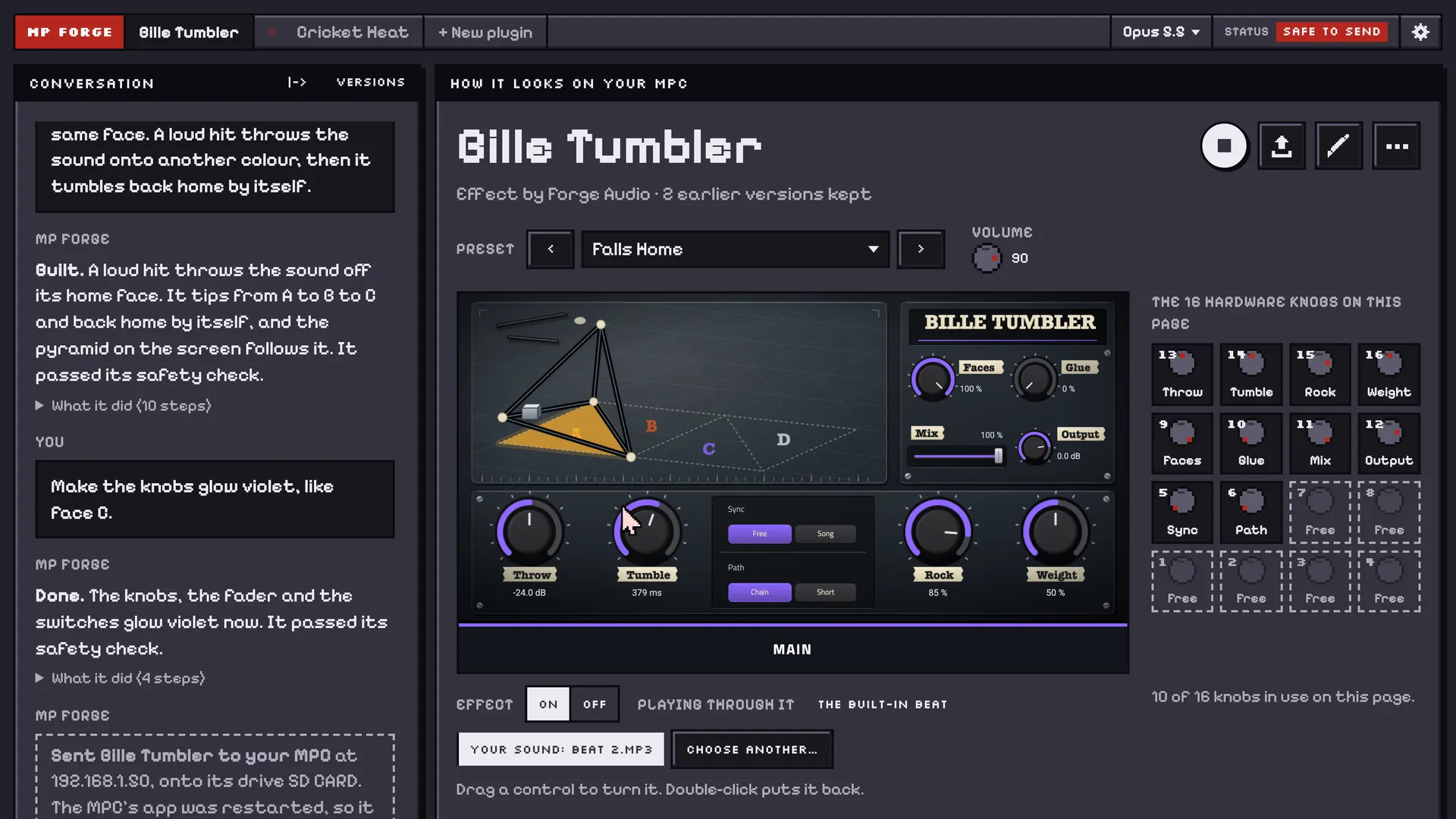
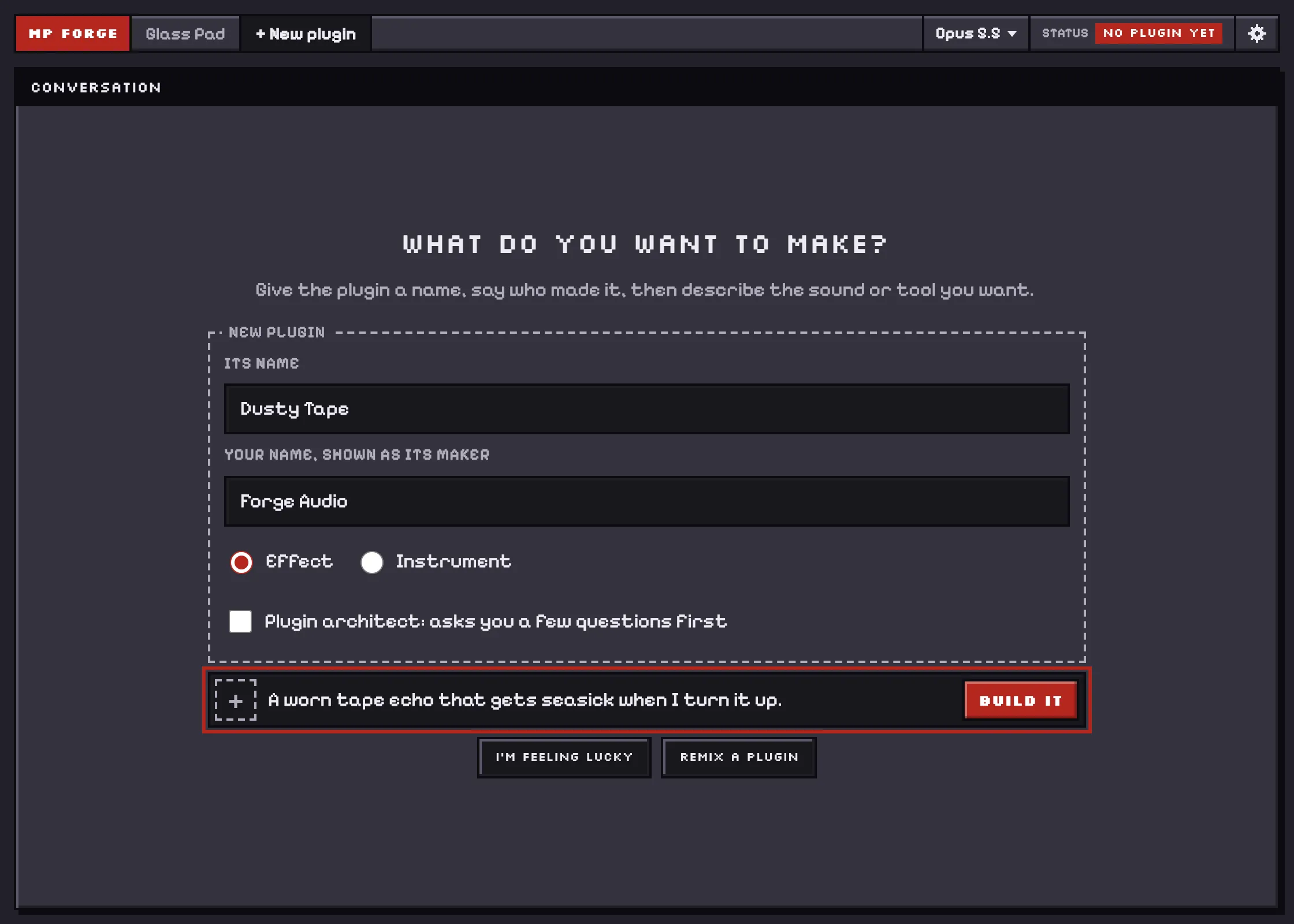
Say what you want, as you would to a friend, with a picture or a sound file if it helps. Or press REMIX A PLUGIN to build your own version of one from the Open MPC catalog, or I’M FEELING LUCKY to be surprised. An AI of your choice writes the plugin.
Making your first plugin
Step 2
See it and play it
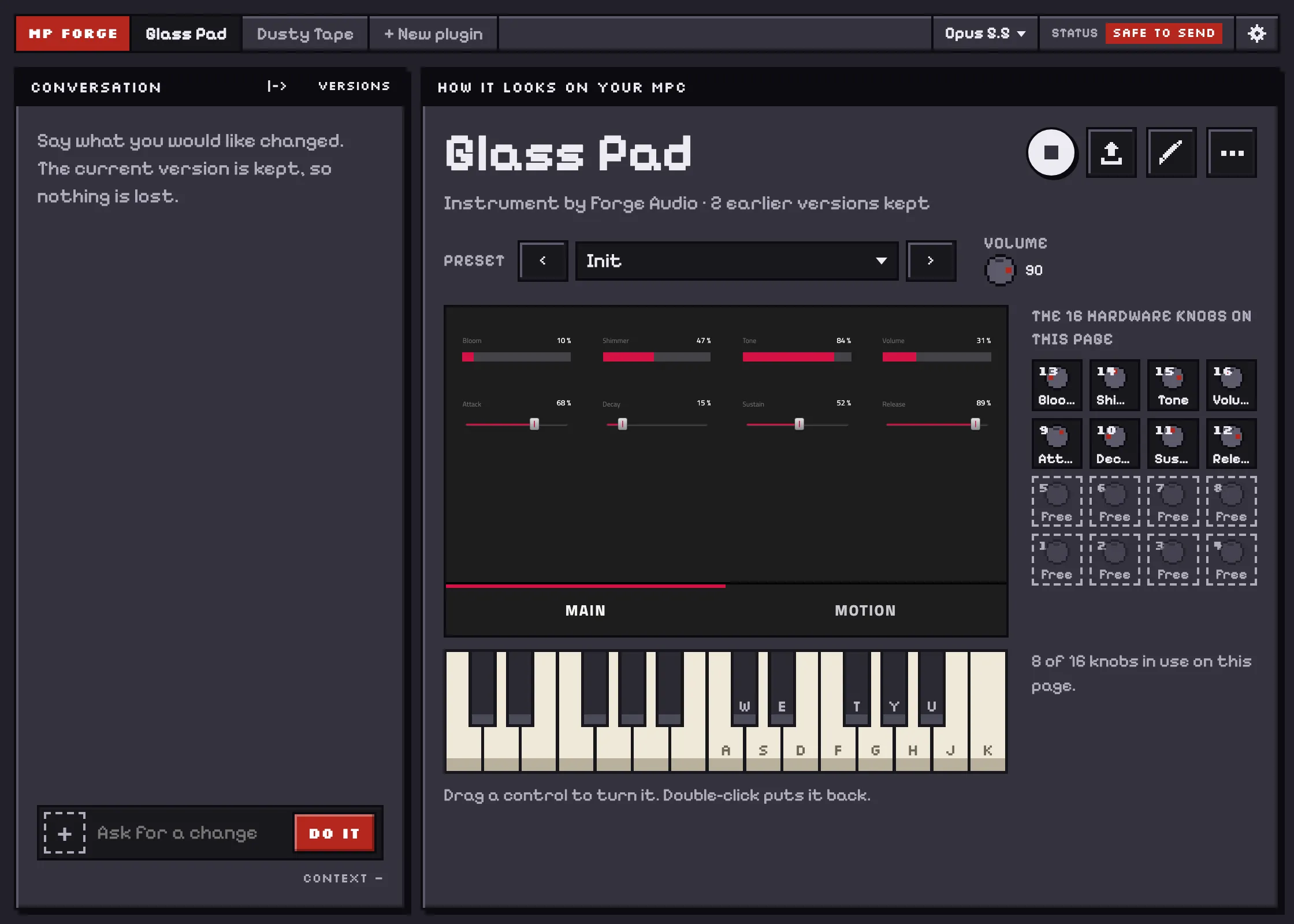
The plugin’s screen is shown as it will look on your MPC, and the real plugin plays through your computer’s speakers straight away. An instrument gets a piano to play. An effect gets a beat, or a sound of your own, with ON and OFF to compare.
Playing and changing a plugin
Step 3
Make it yours
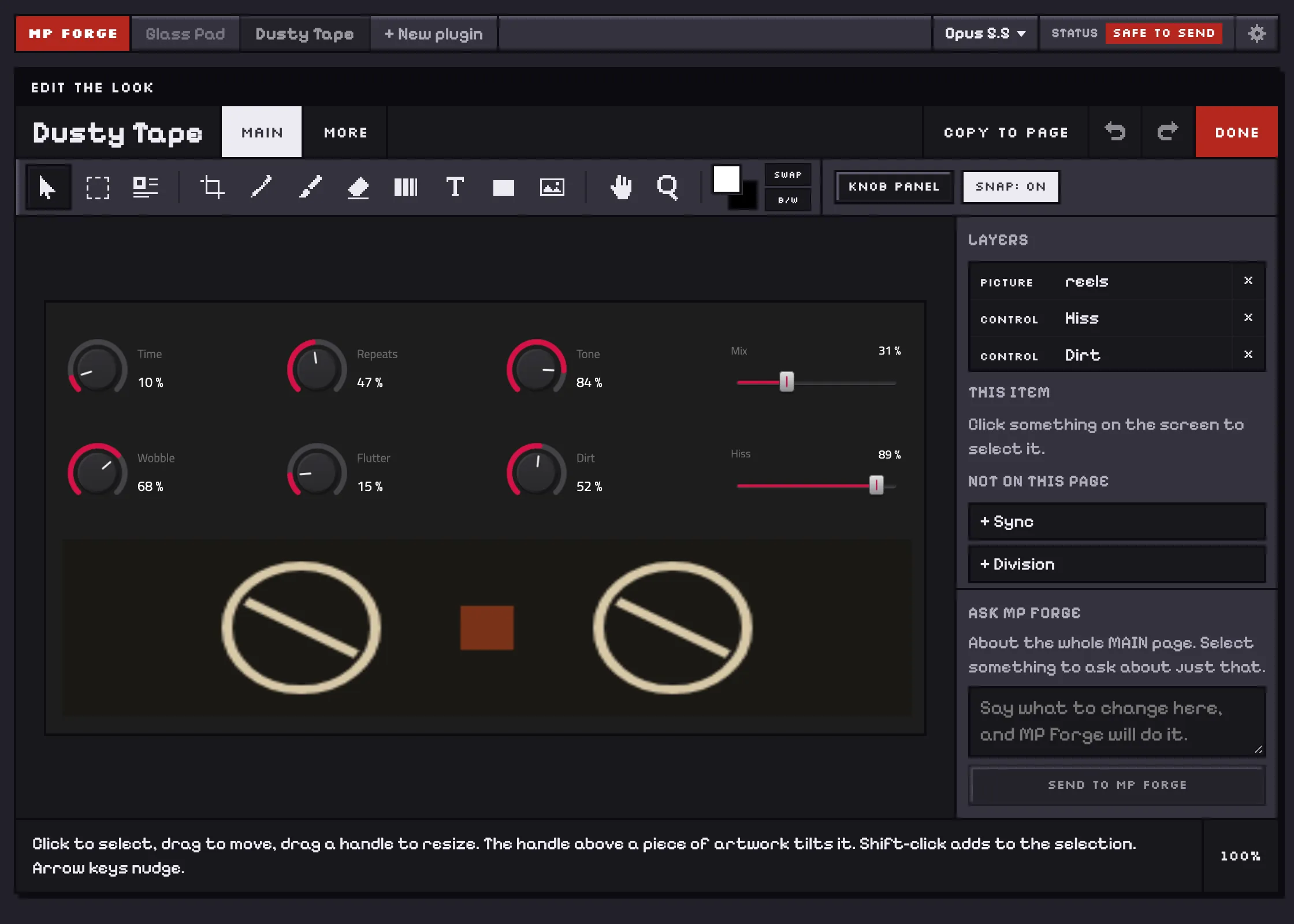
Ask for a change in plain words and hear it. Open EDIT THE LOOK to move, resize and restyle every control and to add your own artwork. Every change keeps the version before it, so going back is always possible.
Editing the look by hand
Step 4
Twelve safety checks
A plugin runs inside the MPC’s own app. So MP Forge reads its code, builds it with Akai’s tools and plays it through Akai’s simulator first. A plugin that does not pass cannot be sent.
What the checks look for

Step 5
Send it to your MPC
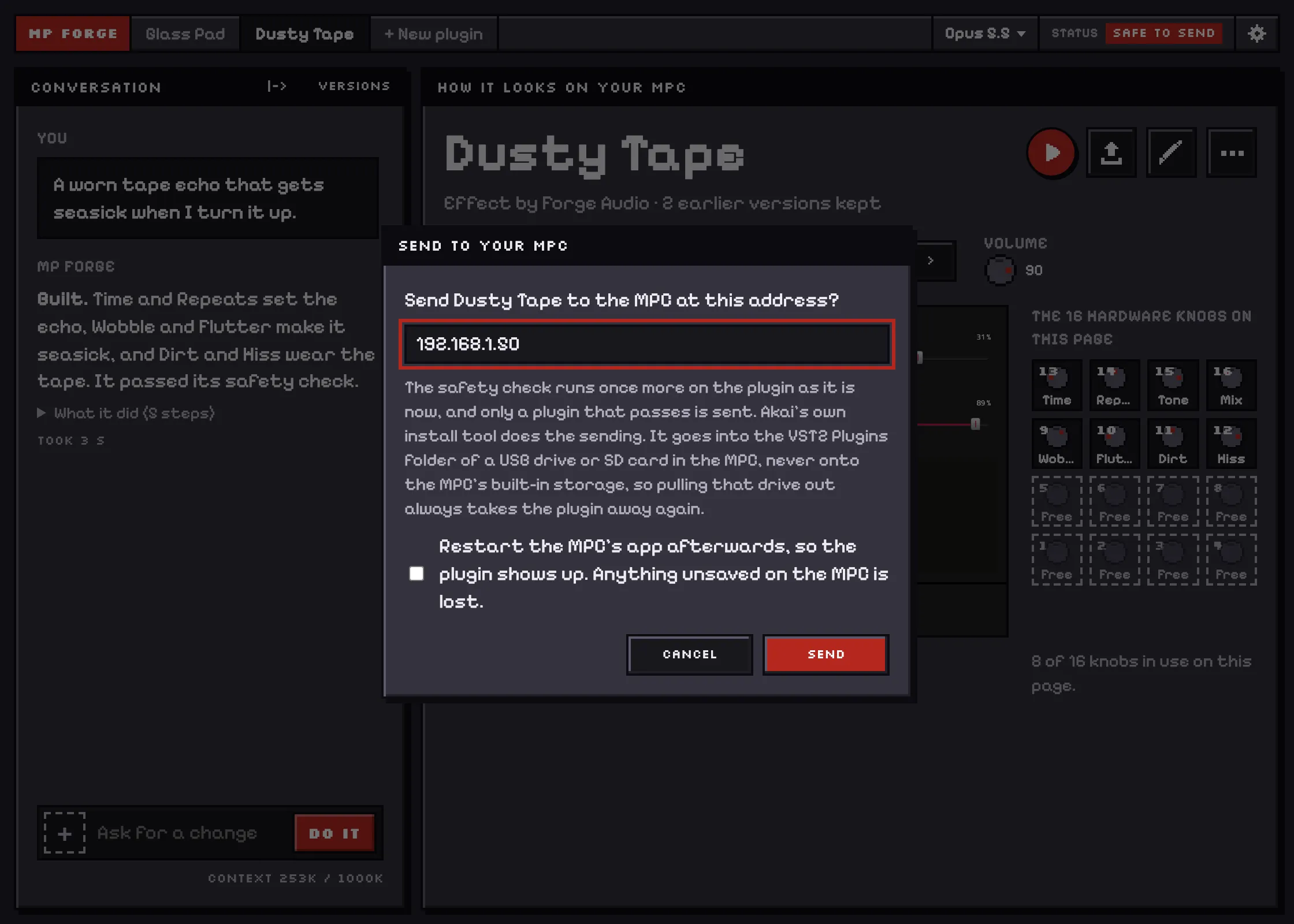
Once it is safe to send, the plugin goes over your network to a USB drive or SD card in your MPC. It never goes onto the MPC’s built-in storage, so pulling the drive out always takes it away again.
Setting your MPC up
What you need
A computer
MP Forge is made for macOS, Windows and Linux.
An AI of your own
An account with an AI service, or Ollama for models that run on your own computer with no account.
An MPC
Running MPC OS 3.10.1 or later, with External Plugin Support switched on, and a USB drive or SD card in it.
MP Forge tells you if anything else is missing on your computer, and how to get it. What you need has the full list.
Join in
Talk to us
Get help when you are stuck, show the plugins you have made, and ask for what MP Forge is missing.
Join the Discord
Keep it going
MP Forge is free and stays free. If it is useful to you, a donation helps to keep it going.
 Donate on Ko-fi
Read the code
Every line is open. Report a problem, suggest a change, or build MP Forge yourself.
Go to GitHub